Moving Guide
Tips for Packing & Moving a Flat-Screen TV
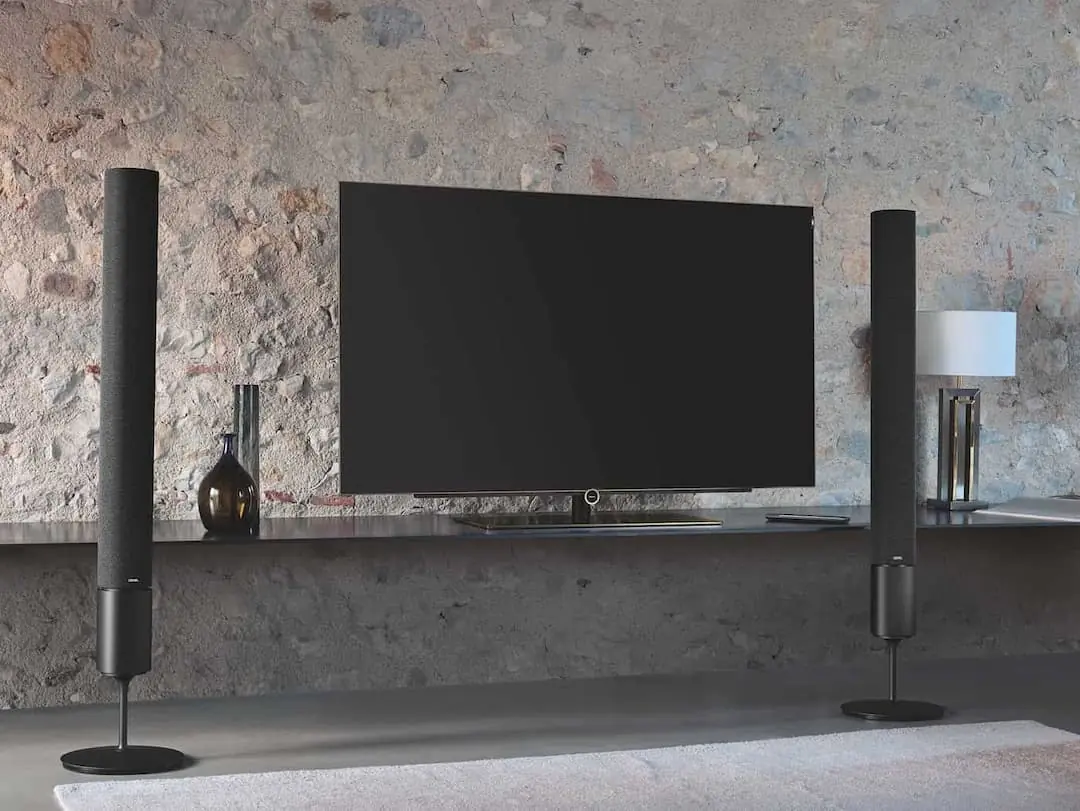
Need to pack a flat-screen TV as you prepare to move to a new house, condo, or apartment? Though flat-screen TVs are typically easier to move than bulky, older models, they are still susceptible to damage and costly to replace—so it’s important to pack them with care. Here’s our guide on how to pack a TV for moving!
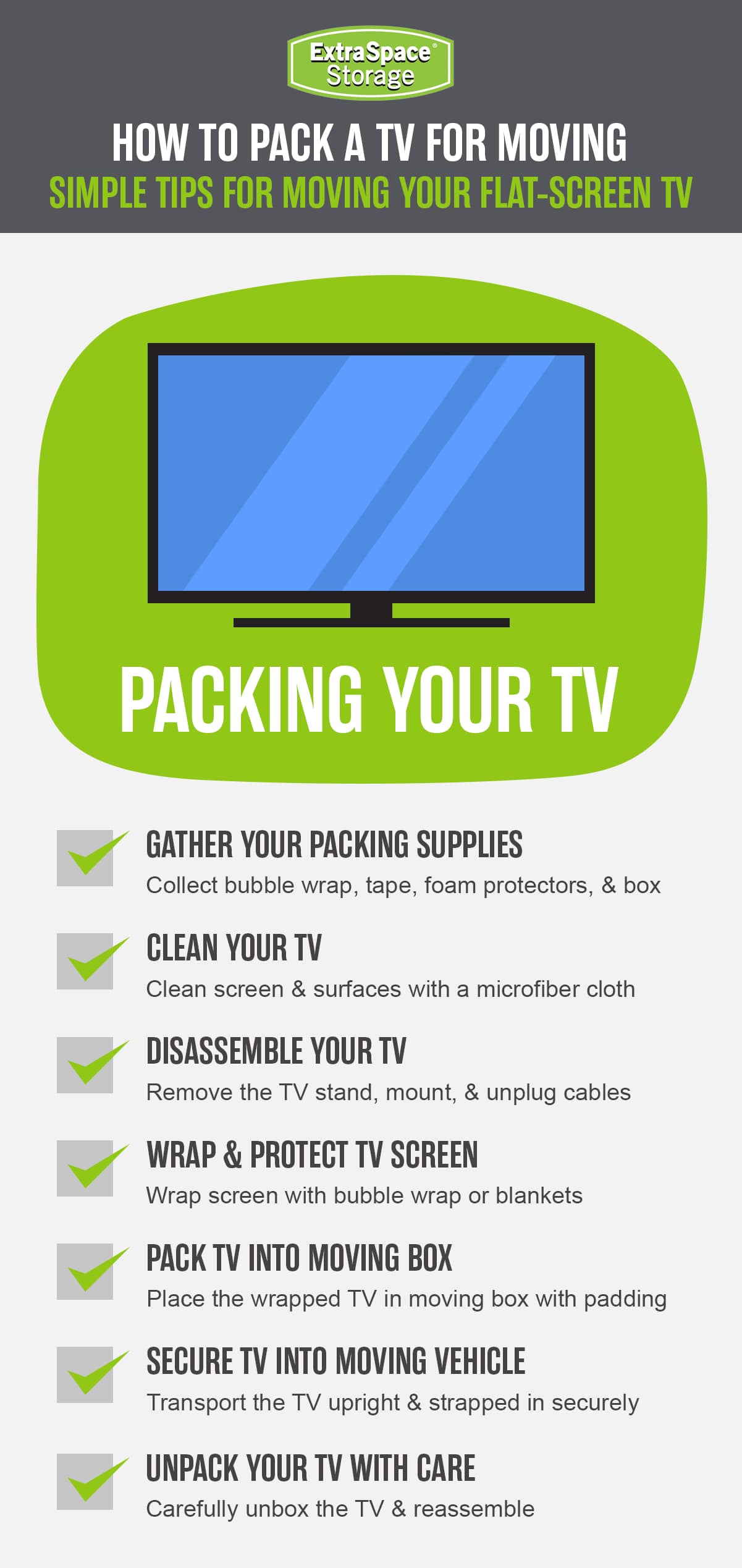
Gather Your TV Packing Supplies
Packing a TV requires careful preparation in order to keep the device safe and secure during the moving process. By collecting the proper TV packing supplies, you can help protect your television from damage so it arrives at your destination in perfect condition. Here’s a list of supplies you’ll need to pack to move efficiently:
The original box or a flat-screen moving box
Flat-screen TV cover
Foam corner protectors
Mover’s wrap
Furniture pads or moving blankets
Bubble wrap
Packing tape
Microfiber cloth
TV screen cleaner
Canned air
Silica packets
Clean the TV Screen
Cleaning your TV screen before moving is a small but important step to take before packing it in a box. Dust, grime, and other build-up can scratch your TV’s delicate screen once it’s wrapped. To help protect your device throughout the move, follow these steps for how to clean your TV screen:
Power off and unplug the TV.
Use a can of compressed air to clear dust from vents. Avoid tilting the can so you don’t accidentally spray any cold liquid into the device.
Wipe the screen gently with a soft, microfiber cloth to remove dust and fingerprints.
Lightly dampen part of the cloth with a store-bought TV screen cleaner or distilled water to remove stubborn spots—never spray liquids directly onto the screen.
Go over the screen again with a dry cloth to get rid of any streaks.
Clean remotes and other frequently handled accessories with a damp cloth or disinfectant spray to remove grime.
Dismantle Your TV Setup
Before packing your flat-screen TV, take apart its setup to make the process easier. If you have a complex entertainment system, one of the best packing tips is to take a picture of how all the cords are currently arranged, as well as using a strip of tape and a marker to label where each cord goes—so reassembly at your new home is hassle-free. Here’s how to safely prepare your TV for a move:
Unplug all cords from the TV, roll them up, and place them in clear, labeled plastic bags—along with any accessories like remotes and manuals—to keep everything organized.
Remove the TV from the wall mount, if applicable.
Unscrew the legs or stand from the TV, and place the pieces and screws in the bag with the other accessories.
Stand the TV in an upright position on the floor against a wall.
Wrap & Protect the TV Screen
As the most fragile and important part of your TV, the screen needs to be protected at all times. Many flat-screen TVs come with a screen protector in the box, which is ideal since it’s sized for your device. However, you can also purchase flat-screen TV covers or use bubble wrap and moving blankets to help protect your TV screen in transit. This is how to wrap a TV for moving:
Slip the flat-screen TV cover onto your TV. Use mover’s wrap or packing tape to keep the cover in place.
If you don’t have a TV cover, wrap the TV in bubble wrap, furniture pads, or moving blankets. Secure these items onto the device with packing tape.
Ensure the entire screen is covered, but don’t allow any tape to touch the screen itself to avoid damage.
Find Affordable Self Storage Near You
Extra Space Storage has over 4,000 locations across the U.S. with friendly customer service, advanced security features, and affordable month-to-month rates.
- Save up to 40% off online
Pack the TV in a TV Moving Box
Ideally, you’ll still have your TV’s original box with its packing components, including the foam corners that stabilize the TV in its box. If you don’t have the box or packing supplies, you can always purchase an appropriately-sized TV moving box and foam corners. Then, use these steps to properly pack your TV:
Place the foam corners on each corner of the device—or use alternatives like towels, bubble wrap, or packing paper to achieve a similar effect.
Have someone stabilize the box while you gently lower the TV into it—or, lay the wrapped TV down and slowly slide the device into the box.
Fill any empty space with furniture pads, packing paper, bubble wrap, or other soft materials for added cushioning and to keep the TV from shifting during the move.
Place silica packets in the TV box to help prevent damage from moisture.
Close and seal the box securely with packing tape on all sides—then stand it upright until you’re ready to load it for transport.
Use a marker to label the box “Fragile” and mark the top and front of the TV so you can handle it carefully and keep it in a safe position.
Secure the TV in Your Vehicle
After wrapping and packing your flat-screen TV, it’s time to securely position it in your moving vehicle. Proper placement will help prevent damage caused by shifting during transit, keeping your TV safe until it reaches your new home. Depending on the size and weight of your TV, it might also be a good idea to enlist help from a friend to carry it to the moving vehicle. When you’re ready, use these tips to secure the device in your moving vehicle:
Place the TV box between two heavy, sturdy items (e.g., a sofa and a mattress) to prevent shifting—or secure it against the wall of the moving truck with bungee cords, with the screen facing away from the wall.
If you’re moving your TV in a car, place it upright in the back seat and stabilize it with boxes or blankets—just ensure the TV doesn’t obscure the driver’s view in the rearview mirror.
Remember to keep your TV upright at all times—this is the best way to transport a TV as it avoids putting unnecessary pressure on the screen that could result in damage.
Carefully Unpack Your TV
Once the TV arrives safely at your new destination, you’ll need to carefully remove it from the box and reassemble your entertainment system. To complete the TV moving process, follow these steps:
Set the box down—keeping the TV in an upright position—and unseal the top.
Slowly lift the TV out of the box, or stop to ask for help if it’s too heavy for one person.
Let the TV adjust to room temperature before you plug it in and turn the power on to avoid damaging the internal components.
Unpack the legs, stand, cords, remote, and other accessories, and use your reference photos to reattach them where they were before.
***
Need to store a TV or other furniture while you're decluttering your home before moving? Extra Space Storage has affordable self storage solutions at facilities across the nation to help. Find short-term self storage near you!

Moving & Packing How-To Guides
How to Move: Your Complete Guide to an Easy Relocation
Planning a move? This moving guide includes everything you need for planning a smooth relocation, including checklists, packing tips, costs, and more.
How to Move Heavy Furniture
Need to move heavy furniture? From safe lifting to smart tools, here’s how to make moving large items easier.

Guide to Packing A Home Office for Moving
Moving your home office? Discover tips for packing electronics, securing data, furniture disassembly, and more.

How to Move a Refrigerator
Relocating a refrigerator without hired movers? Follow these helpful steps for a safe, proper fridge removal.
How to Move a Mattress by Yourself or With Help
Moving a mattress? Get expert tips for packing, loading, and transporting it to your new home. Plus advice for solo moves, cross-country moves, and more!
How to Pack a Moving Truck
Want to avoid damage while loading a moving truck rental? This is the best way to pack a moving truck.
Author Profile
Quinn Johnson
Quinn Johnson is a moving expert and author for Extra Space Storage. He's moved over 15 times, including internationally, and helped countless others between their own homes. He's happy to lift some boxes for a friend as long as he's paid in pizza. As a writer and content creator for Extra Space Storage since 2019, Quinn shares helpful moving tips and info to alleviate the common stresses of moving.